Microsoft 365
Configuration
Security
Microsoft 365 Security: Beyond the Default Settings
ThreatMate Team
May 5, 2024
4 min read
The Problem with Defaults
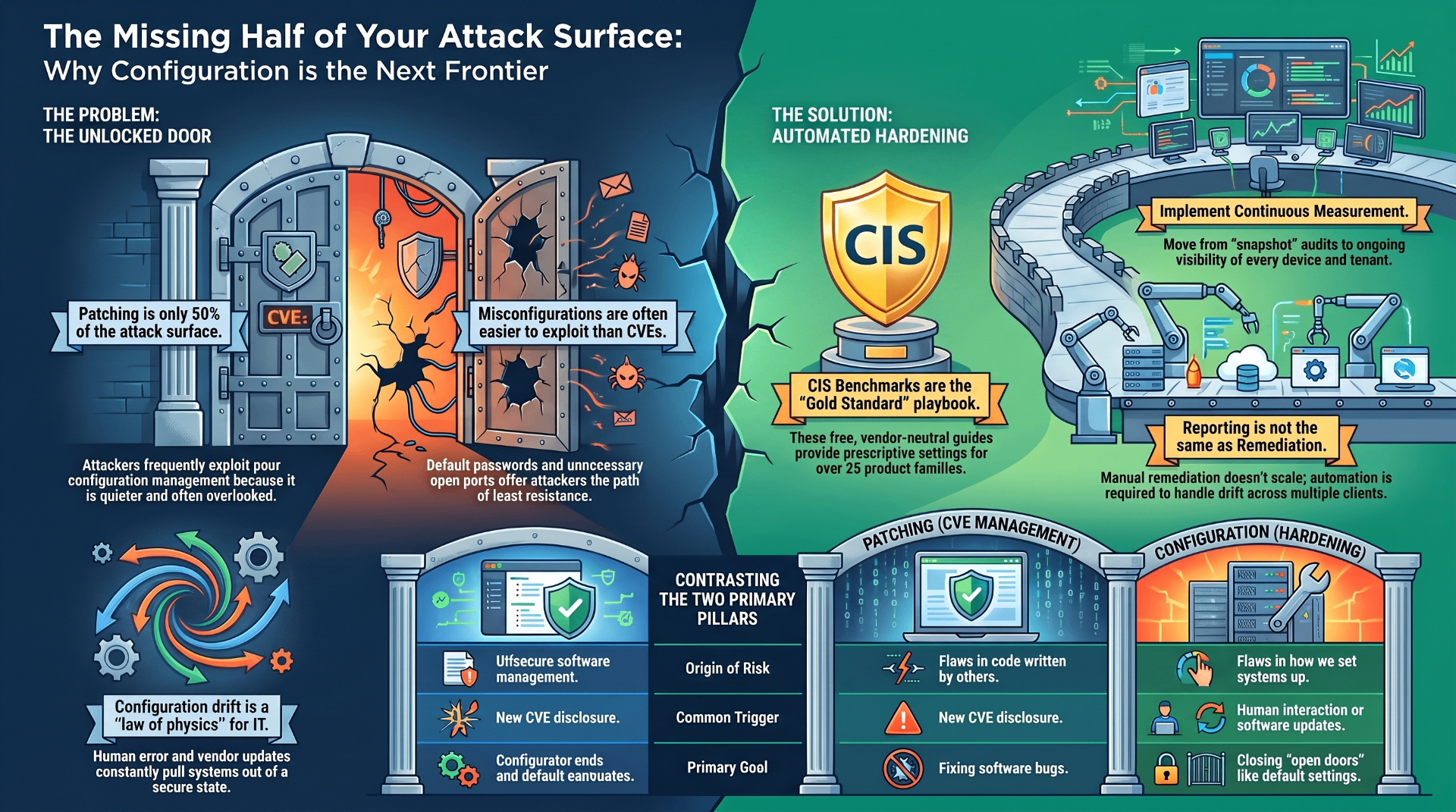
Microsoft 365 is designed for ease of use, not maximum security. Out of the box, many critical security features are disabled or set to permissive configurations.
Critical Settings to Change
Authentication - Disable legacy authentication — This is the #1 way attackers bypass MFA - Enforce MFA for all users — Not just admins - Block high-risk sign-ins — Use Conditional Access policies
Email Security - Enable mailbox audit logging — Critical for incident investigation - Block auto-forwarding — Prevents silent data exfiltration - Configure anti-phishing policies — Enable impersonation protection
Sharing and Collaboration - Restrict external sharing — Limit who can share with outside organizations - Disable anonymous links — Require authentication for shared content - Review guest access — Audit and restrict guest permissions
Admin Accounts - Use dedicated admin accounts — Separate from daily use accounts - Enable PIM — Just-in-time privileged access (if licensed) - Review admin role assignments — Minimize standing privileges
Using CISA's ScubaGear
CISA's ScubaGear provides a comprehensive checklist and automated assessment tool. ThreatMate automates ScubaGear assessments across all your client tenants.
Ready to secure your attack surface?
See how ThreatMate helps MSPs identify and remediate vulnerabilities across their client base.